
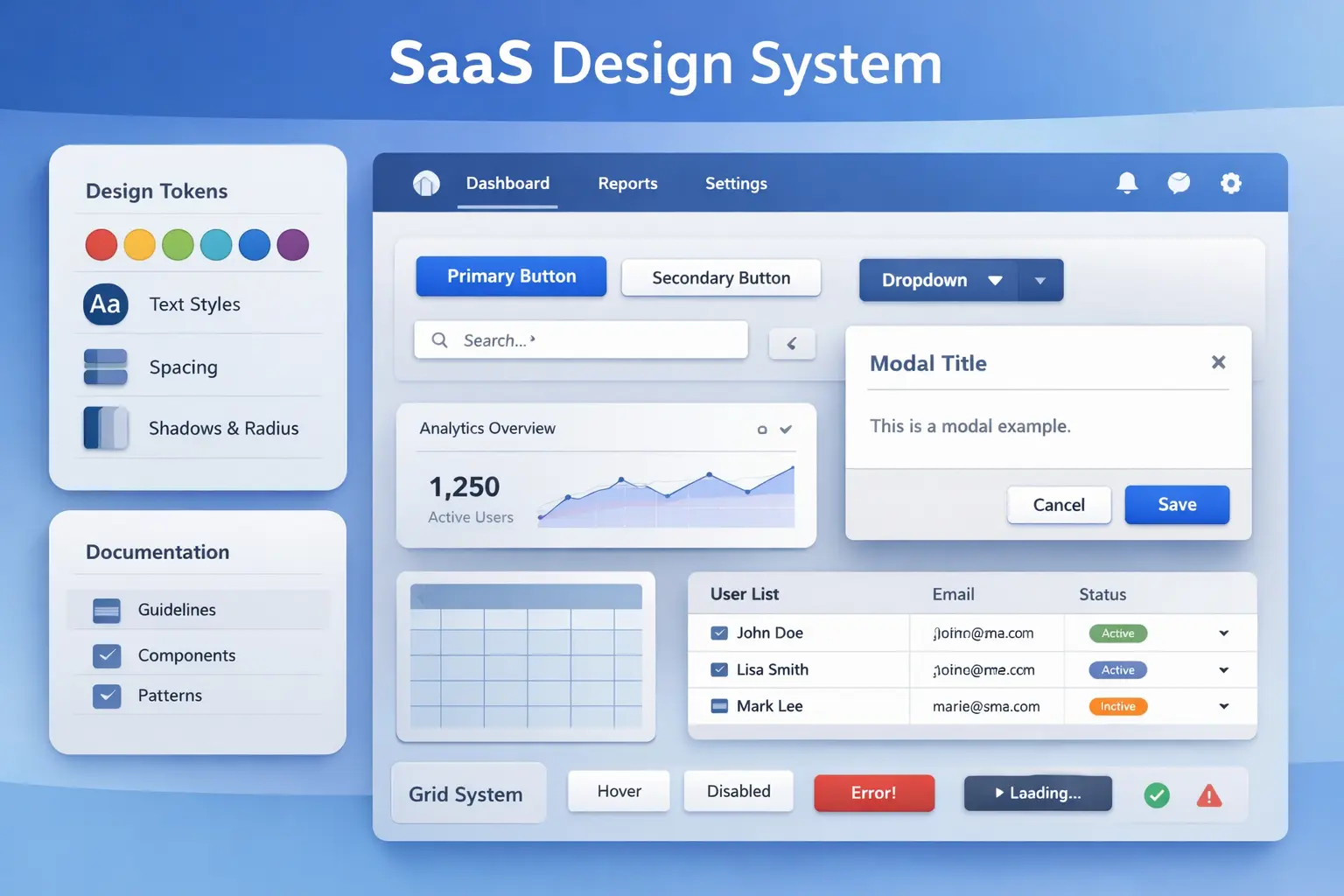
Building a Design System for Your SaaS Startup
When you're building a SaaS product, speed becomes your default mode. New features roll out quickly, interfaces evolve constantly, and decisions are made on the fly. In that momentum, design often becomes reactive instead of intentional.
At first, everything seems fine. But gradually, cracks begin to show. Your UI becomes inconsistent, components stop matching, and building new features starts taking longer than expected. This is usually the point where teams realize they need a design system for their SaaS product. If you're already at this stage, our UI/UX design services can help you get there faster.
What Is a Design System in SaaS?
A design system is not just a UI kit or a set of reusable components. It's a structured approach to building consistent and scalable interfaces. According to Nielsen Norman Group, teams with mature design systems ship features up to 47% faster while maintaining higher overall quality.
In a SaaS environment, a design system defines how your product looks, behaves, and evolves over time. It acts as a shared language between designers and developers, ensuring that every feature feels cohesive and intentional.
Instead of redesigning elements repeatedly, teams rely on a system of predefined patterns and reusable components. You can see this in practice across our client work portfolio.
Why SaaS Startups Need a Design System Early
SaaS products grow rapidly. Without a clear system, that growth introduces inconsistency and technical friction.
Users may not always notice inconsistencies directly, but they feel them. A product that lacks consistency feels less reliable and harder to use. Internally, teams slow down because they keep solving the same design problems again and again.
By implementing a scalable design system, startups can maintain consistency, improve development speed, and reduce unnecessary decision-making. This leads to a smoother user experience and a more efficient product team. For a broader look at how modern SaaS interfaces are evolving, see our SaaS Dashboard Design Trends 2026 guide.
Design Tokens: The Foundation of a Scalable UI
At the core of every design system are design tokens. These include colors, typography, spacing, and other visual values that define your brand. Figma's Token system and tools like Token Studio let you define these values once and sync them across design and code automatically.
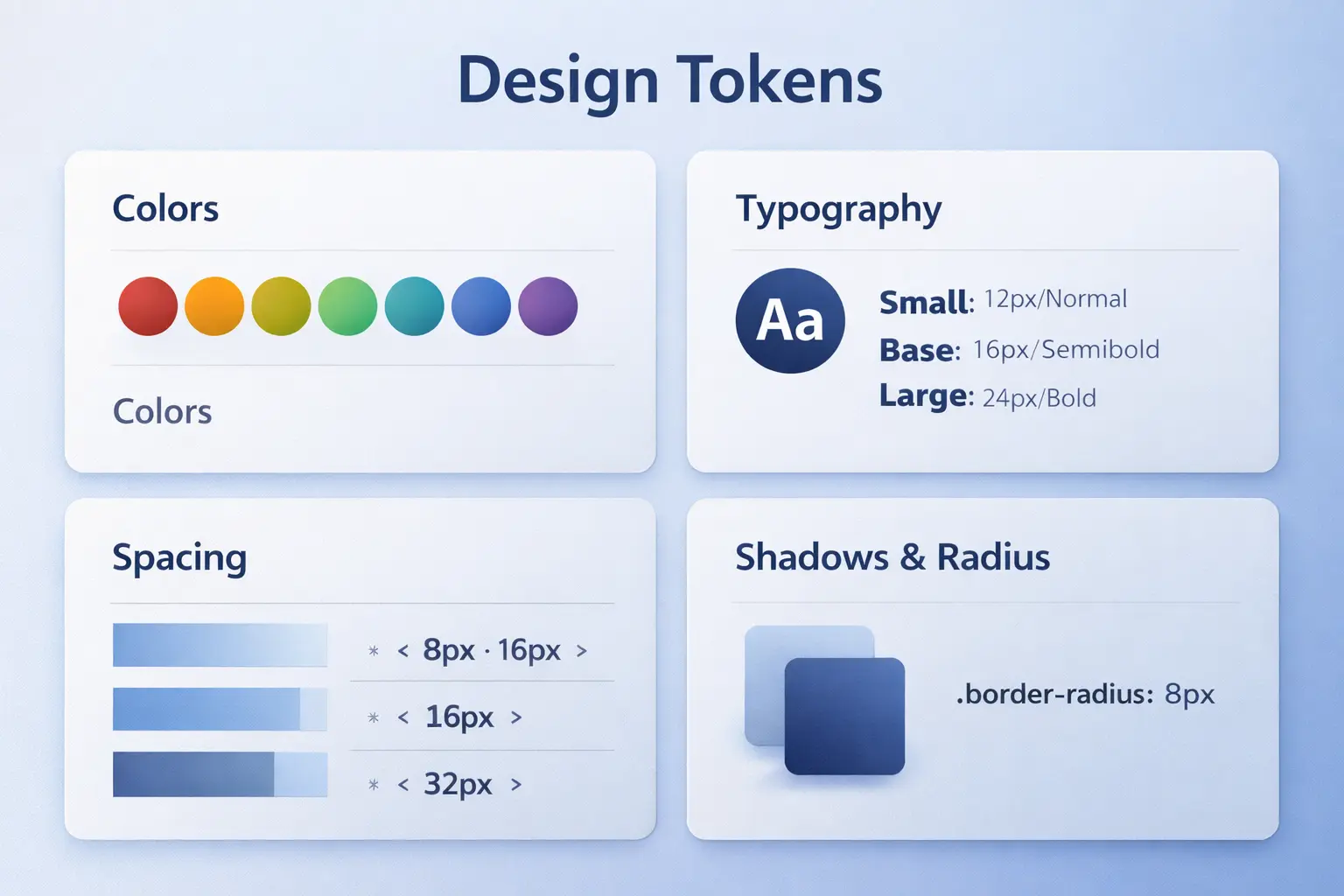
Instead of hardcoding styles across your application, tokens allow you to centralize your design decisions. This makes your system easier to maintain and scale.
If your brand evolves or your UI needs refinement, you can update tokens once and apply changes across your entire product. This three-tier token model — Primitive, Semantic, and Component — is the same approach used by Google's Material Design 3, making your system scalable and future-proof.
Building Reusable Components
Once your foundation is set, the next step is creating reusable components. Tools like shadcn/ui and Storybook are popular starting points for teams building their first component library.
Components such as buttons, inputs, and cards form the building blocks of your interface. Over time, they expand into more complex patterns like dashboards, forms, and navigation systems.
A well-structured component system ensures that your UI remains consistent and predictable. Users become familiar with patterns, and developers avoid rebuilding the same elements repeatedly.
This approach is key to building a component-based SaaS design system.
Creating a Consistent Layout System
Layout consistency plays a major role in usability. A design system should define spacing, alignment, and responsive behavior across all screens.
When layouts follow a predictable structure, users can navigate your product more easily. Developers also benefit from having a clear framework, which reduces the time spent on layout decisions.
This creates a more structured and scalable frontend architecture. The Atomic Design methodology by Brad Frost is a proven framework for organising components into Atoms, Molecules, Organisms, Templates, and Pages — a hierarchy that scales cleanly as your product grows.
Typography and Readability
Typography directly impacts how users consume information in your SaaS product.
A clear typographic system establishes hierarchy and improves readability. It helps users quickly scan content, understand key information, and take action.
In data-heavy SaaS platforms, strong typography is essential for delivering a smooth and efficient user experience. Accessibility standards like WCAG 2.1 contrast requirements should be built into your type scale from the start — not retrofitted later.
Interaction Design and User Experience
A design system is not just about visuals—it also defines behavior.
Elements like hover states, loading indicators, disabled buttons, and error messages contribute to the overall experience. When these interactions are consistent, your product feels more polished and reliable.
This level of detail is what separates a basic UI from a high-quality SaaS user experience. See how we approach interaction design in our case studies.
Aligning Design and Development
One of the biggest advantages of a design system is improved collaboration.
When designers and developers work from the same system, communication becomes clearer and implementation becomes faster. The design system acts as a single source of truth, reducing confusion and rework.
This alignment is critical for scaling SaaS teams efficiently. If your team needs help establishing this workflow, our design services are built around it.
The Role of Documentation
A design system without documentation cannot scale.
Documentation ensures that every component, pattern, and rule is clearly defined. It helps teams understand how to use the system correctly and maintain consistency over time. Storybook Docs is the easiest way to co-locate documentation with your component code — it renders live examples alongside written guidelines automatically.
As your product grows, documentation becomes the backbone that keeps everything aligned.
Start Small and Scale Gradually
You don't need a perfect design system from day one. The best approach is to start small and expand as your product evolves.
By focusing on core components and foundational elements first, you can build a system that grows naturally with your SaaS product. For more on phased product design strategy, read our post on SaaS design trends shaping 2026.
This avoids unnecessary complexity while still providing structure.
Conclusion: Building for Scale
A design system is not just about improving UI consistency—it's about building a product that can scale efficiently.
For SaaS startups, it becomes a critical part of product development. It improves speed, reduces friction, and ensures a consistent user experience across every feature.
Investing in a design system early allows your product to grow without losing clarity, consistency, or performance. Ready to build yours? Talk to our team or browse our design work to see what's possible.
Reader Thoughts
0 comments — join the conversation
Be the First
No thoughts shared yet. Start the conversation with your unique insight.