
Google Sites Free Plan: Complete Feature Guide 2026
If you're looking to build a website quickly without coding or upfront costs, Google Sites is one of the simplest tools available. It allows anyone to create and publish a website directly from their browser, without worrying about hosting, setup, or technical complexity.
However, in 2026, the real question is not just whether you can build a site, but whether the Google Sites free plan is powerful enough for modern use cases. This guide explores its features, strengths, and limitations so you can decide if it fits your needs.
What Is Google Sites?
Google Sites is a free website builder by Google that enables users to create websites using a simple drag-and-drop interface. It is part of the broader Google Workspace ecosystem, designed for ease of use — ideal for beginners or teams that need to publish content quickly.
Unlike traditional website builders, Google Sites focuses on simplicity over flexibility. You do not need to manage hosting, install software, or configure anything manually. Everything is handled within your Google account.
Who Should Use the Google Sites Free Plan?
The Google Sites free plan is best suited for users who need a simple and functional website rather than a highly customized one. It is commonly used for internal dashboards, documentation pages, student projects, and small informational websites.
For startups, SaaS platforms, or businesses that rely heavily on branding and performance, the platform may feel limited. If you need a high-performance product site, our web design services are built for exactly that. Its simplicity is both its biggest strength and its main constraint.
Core Features of Google Sites Free Plan
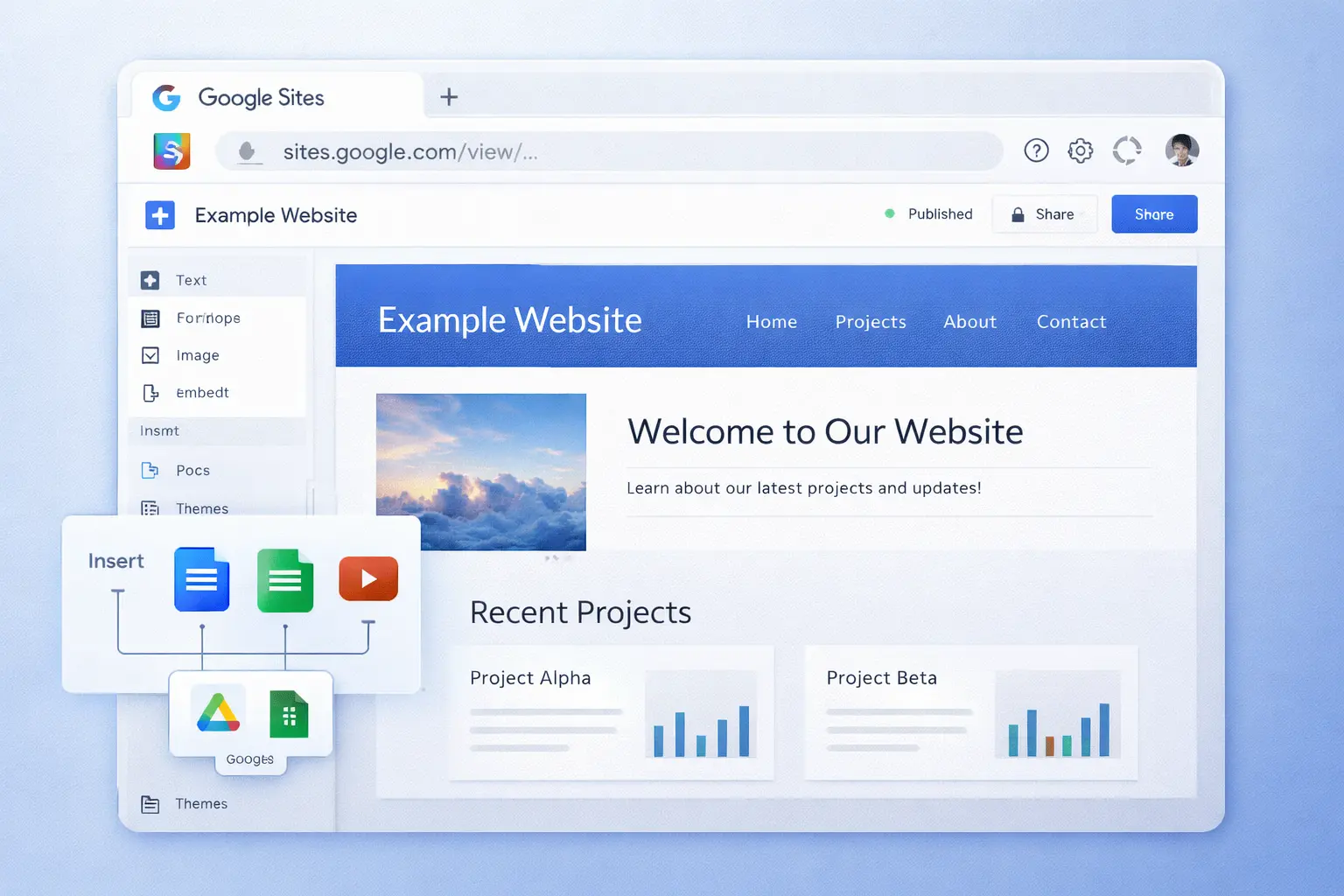
The platform offers a clean visual editor where users can add text, images, embeds, and layouts without any coding knowledge. Pages can be structured quickly, and content can be rearranged with minimal effort.
One of its strongest advantages is its deep integration with the Google ecosystem. You can easily embed content from Google Drive, Docs, Sheets, Slides, and YouTube, making it especially useful for teams already using these tools. All sites are served over HTTPS by default — Google handles the SSL certificate automatically via SSL encryption.
Hosting is completely managed by Google. Your website is deployed instantly on a Google domain, removing the need for external hosting providers or complex deployment workflows.
Design and Customization Limitations
Google Sites follows a minimal design approach. While it offers a few themes and layout options, customization is limited compared to modern website builders like Wix or Squarespace.
You cannot fully control styling, animations, or advanced UI components. This makes it difficult to create unique, brand-driven designs. For users who need pixel-perfect control, this can be a major limitation. See examples of what fully custom web design looks like in our work portfolio.
Performance and SEO Capabilities
Since Google hosts the platform, websites generally load fast and are reliable. Core Web Vitals scores are typically strong when measured with Google Lighthouse. However, when it comes to SEO optimization, the platform has significant limitations.
You have minimal control over meta tags, structured data, and advanced SEO configurations. There is no way to add custom JSON-LD schema, edit meta descriptions per page, or manage canonical URLs. While basic indexing works fine, it is not ideal for competitive SEO strategies or content-heavy websites. For a deeper look at what strong SEO looks like in practice, see our guide on building high-quality SaaS web experiences.
Collaboration and Ease of Use
One area where Google Sites stands out is collaboration. Multiple users can edit a site in real time, similar to Google Docs. This makes it highly effective for teams working on internal tools or shared resources.
The learning curve is almost non-existent. Anyone familiar with Google products can start building immediately, making it one of the most accessible website builders available. For teams that need real-time collaborative editing in their web apps, we cover the technical side in our Devian Insights blog.
Limitations of the Free Plan
While the free plan is powerful in its simplicity, it comes with several limitations. Customization options are restricted, advanced integrations are limited, and there is no direct support for complex functionality like dynamic content or backend logic.
Additionally, branding control is minimal, and using a custom domain requires additional configuration through Google Workspace Sites. There is no built-in analytics — you would need to manually embed a Google Tag Manager snippet, which the free plan does not support natively.
Is Google Sites Free Plan Worth It in 2026?
The answer depends on your goals. If you need a quick, reliable, and completely free way to publish content, Google Sites is an excellent choice.
However, if you are building a scalable product, a SaaS platform, or a high-performance marketing website, the limitations will quickly become noticeable.
In those cases, more flexible solutions with stronger design control and SEO capabilities are better suited for long-term growth. Our team can help you evaluate the right platform for your specific needs.
Conclusion
The Google Sites free plan is one of the easiest ways to get a website online. It removes technical barriers and allows anyone to build and publish quickly.
But simplicity comes at the cost of flexibility. While it works well for basic use cases, it is not designed for products that require deep customization, scalability, or advanced user experience.
Choosing the right platform ultimately depends on whether you prioritize speed and simplicity or control and scalability. Browse our client work to see what purpose-built web experiences look like.
Reader Thoughts
0 comments — join the conversation
Be the First
No thoughts shared yet. Start the conversation with your unique insight.